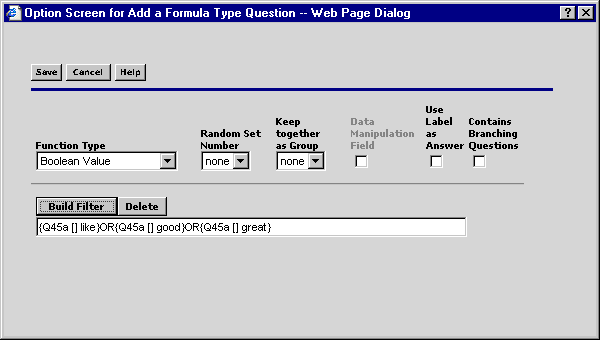
A Boolean formula generates either a 1 or a 0 value. If the filter statement evaluates to True, the value of this question is 1. If the filter statement evaluates to False, then the value is 0.
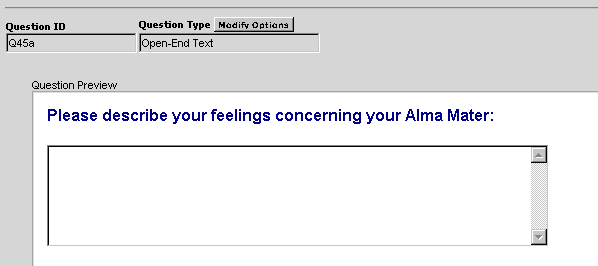
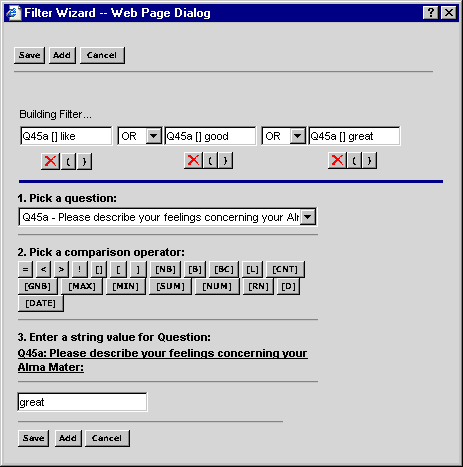
In the following example, a parent question asks for a text response using an Open-End Text question. Next, a Formula question is created to determine whether the words 'like,' 'good,' or 'great' (lower case only) appear in the response to the parent question. If so, the Boolean Question evaluates to true. Finally, a follow-up question is created and is displayed based on whether the respondent entered the selected words in response to the parent question.
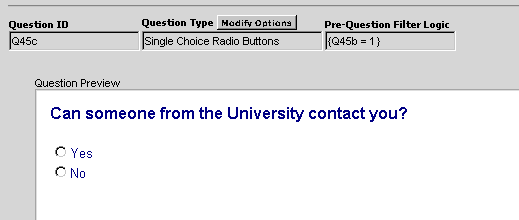
The example below is a single choice radio button question asking for a yes or no response. This question contains a pre-question filter and is only displayed if the respondent entered the words 'like,' 'good,' or 'great' in the parent question above.
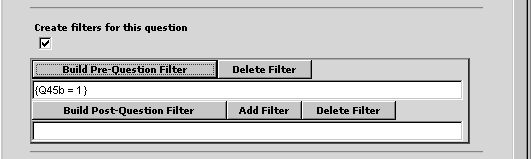
Use the Filter Wizard to complete the filter statement.
Select the previous formula question, for example, Q45b.
Enter = as your comparison operator.
Enter 1 as the value for the question.